
Add connection
In Peliqan, go to Connections, click on Add Connection and find Stripe in the list. You will need to create an API key in Stripe first.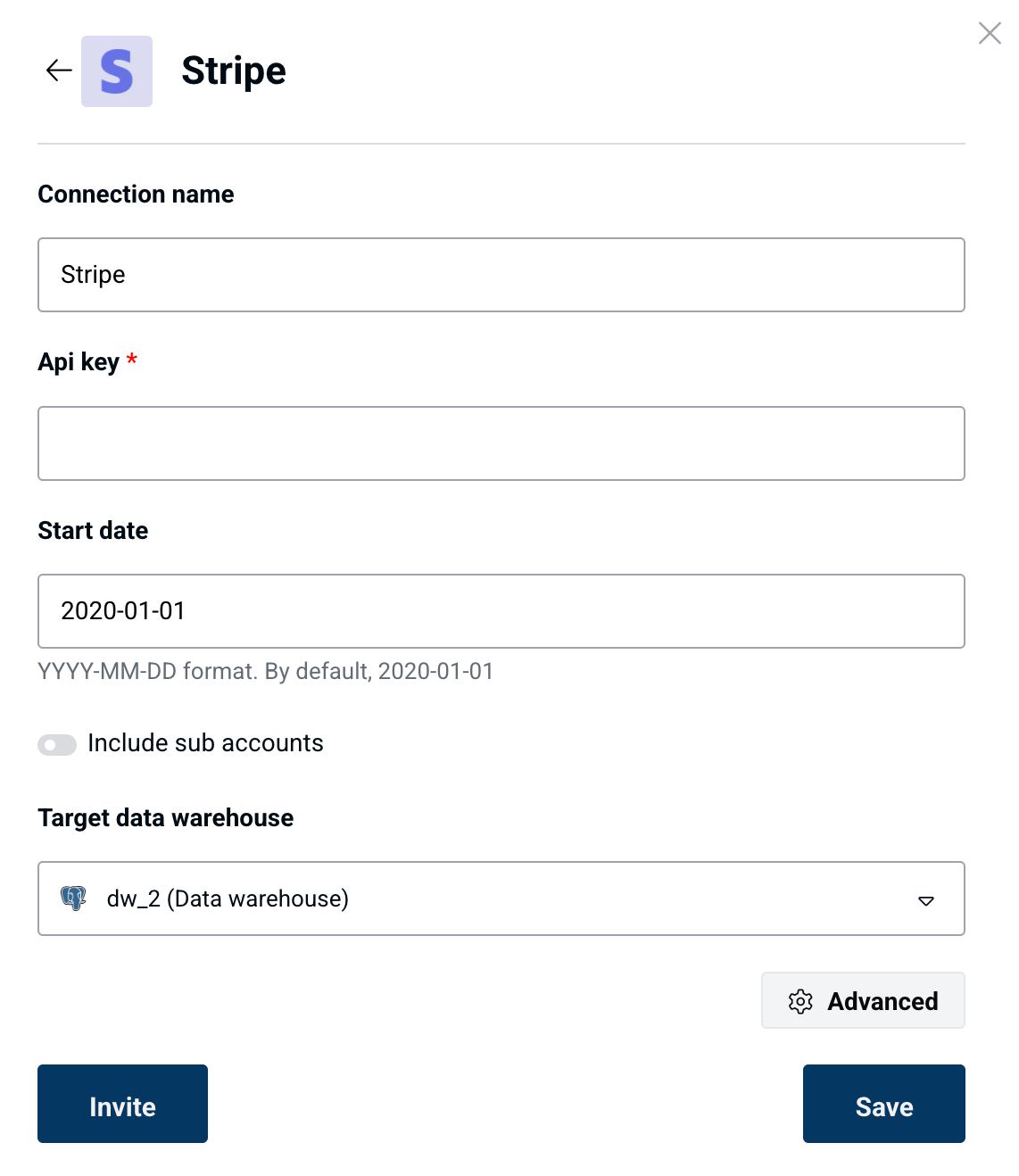
Stripe Sigma
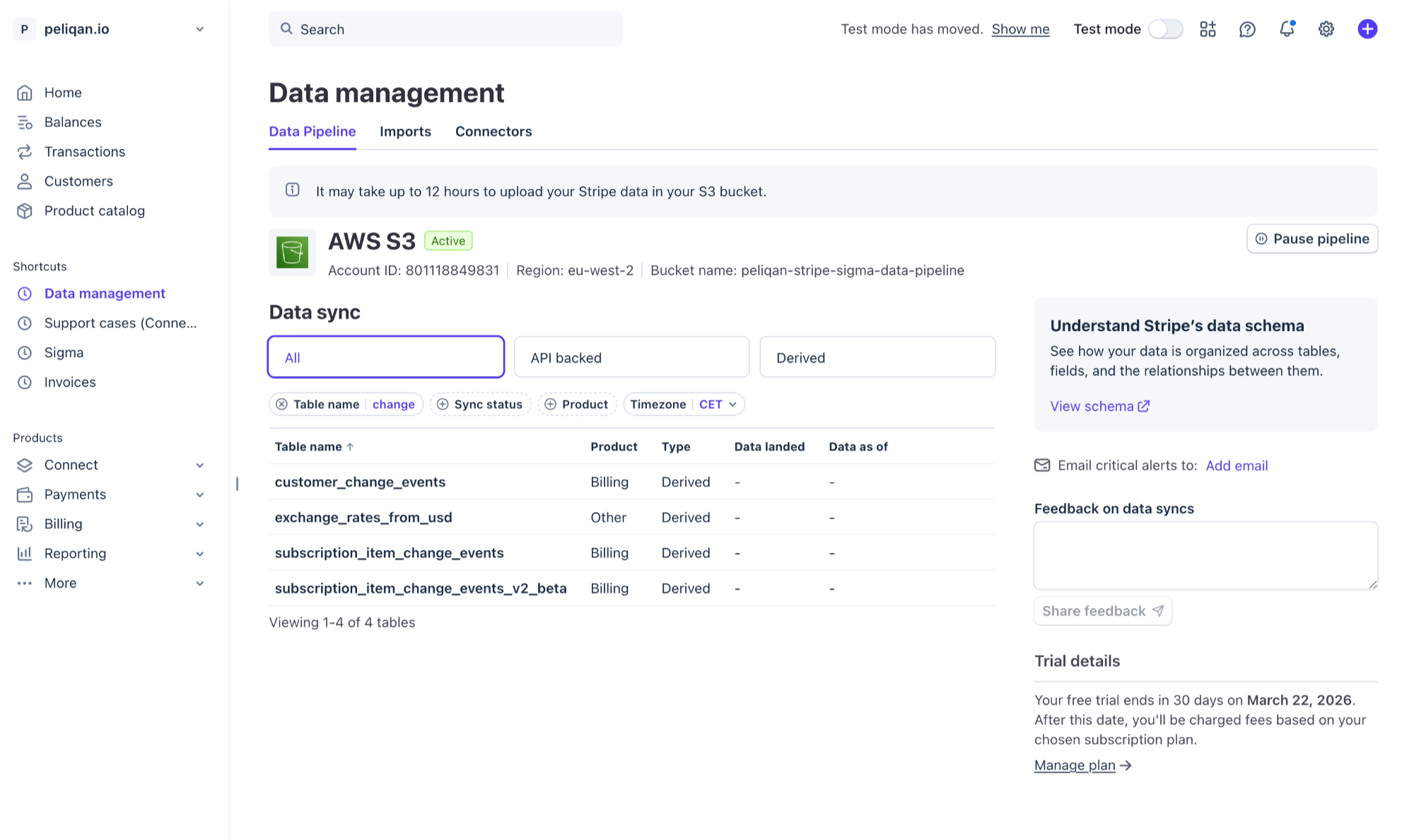
Stripe Sigma is Stripe’s built-in analytics and reporting tool that lets you run SQL queries directly on your Stripe data. With Stripe Sigma Data Pipelines, you can export analytical data from Stripe to a target such as AWS S3. You can use your own target (S3 or other), or contact Peliqan Support to request a dedicated private bucket on AWS S3 to use as a target. Required steps:- Activate Stripe Sigma Data Pipelines in your Stripe account (cost: 57 EUR/month)
- Choose AWS S3 as the target
- Follow the wizard in Stripe to create an S3 bucket, a policy and a role
- Get the verification file from the S3 bucket and upload in Stripe Sigma to finalize the setup
- Wait up to 12 hours for data to be synced by Stripe to the S3 bucket
- Use the below custom pipeline in Peliqan to sync the sata into your data warehouse
Click to expand script
Click to expand script