Search

Connectors

Contact support

Helpdesk portal

AFAS - Getting started in Peliqan

AFAS - Getting started in Peliqan

AFAS is a Dutch software company that provides integrated business management solutions for finance, HR, payroll, CRM, and ERP. Its flagship platform, AFAS Profit, helps organizations automate and streamline core business processes, improving efficiency and reducing administrative work. AFAS serves thousands of organizations across various sectors, including healthcare, education, government, and commercial businesses.

This article provides an overview to get started with the AFAS connector in Peliqan. Please contact support if you have any additional questions or remarks.

Connect AFAS

  • Create one or more GetConnectors in AFAS First. More info: https://help.afas.nl/help/NL/SE/App_Con_GS_AOL_Get_Add.htm
  • Create a Token. More info:
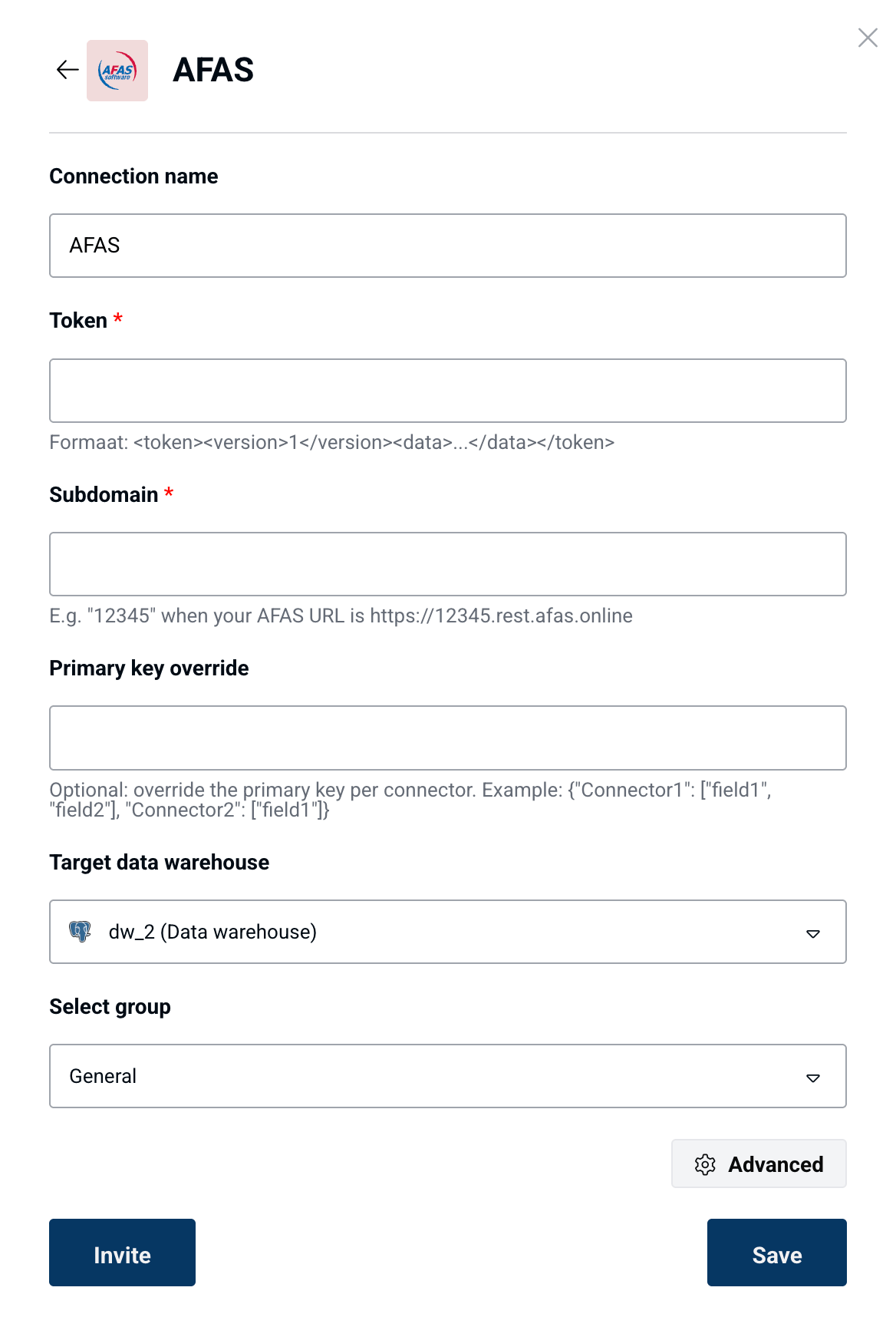
  • In Peliqan go to Connections > Add connection and search for AFAS.
  • Enter your AFAS details:
    • Token: format should be <token>…</token>
    • Subdomain: e.g. 12345 if your AFAS URL is https://12345.rest.afas.online
    • Primary key override: optional, use this to set a custom primary key. Example format: {”Connector1”: [”field1”, “field2”], “Connector2”: [”field3”]}
      • In this example we have a GetConnector with name Connector1 and the primary key is composed for field1 and field2, and we have a GetConnector with name Connector2 which uses field3 as the primary key.
image

The Peliqan connector will automatically discover all the GetConnectors that you enabled in AFAS, fetch the data for each and store the data in a separate table in the data warehouse.