Get API Token
- Log in to the account at
[my.q7leader.com](http://my.q7leader.com)using manager/admin credentials. - Navigate to the Integration or API Tokens section, usually accessible from your profile dropdown or the Admin/Settings menu.
- Click “Generate Token” .
- Provide a unique label/name (e.g. “Peliqan Token”).
- Select the appropriate permissions or scopes, ensure at least read access for endpoints like
/member/{member}. - Click Save or Create.
Q7Leader Data Pipeline
Connect Q7Leader
Connect Q7Leader through the Peliqan Connectivity module :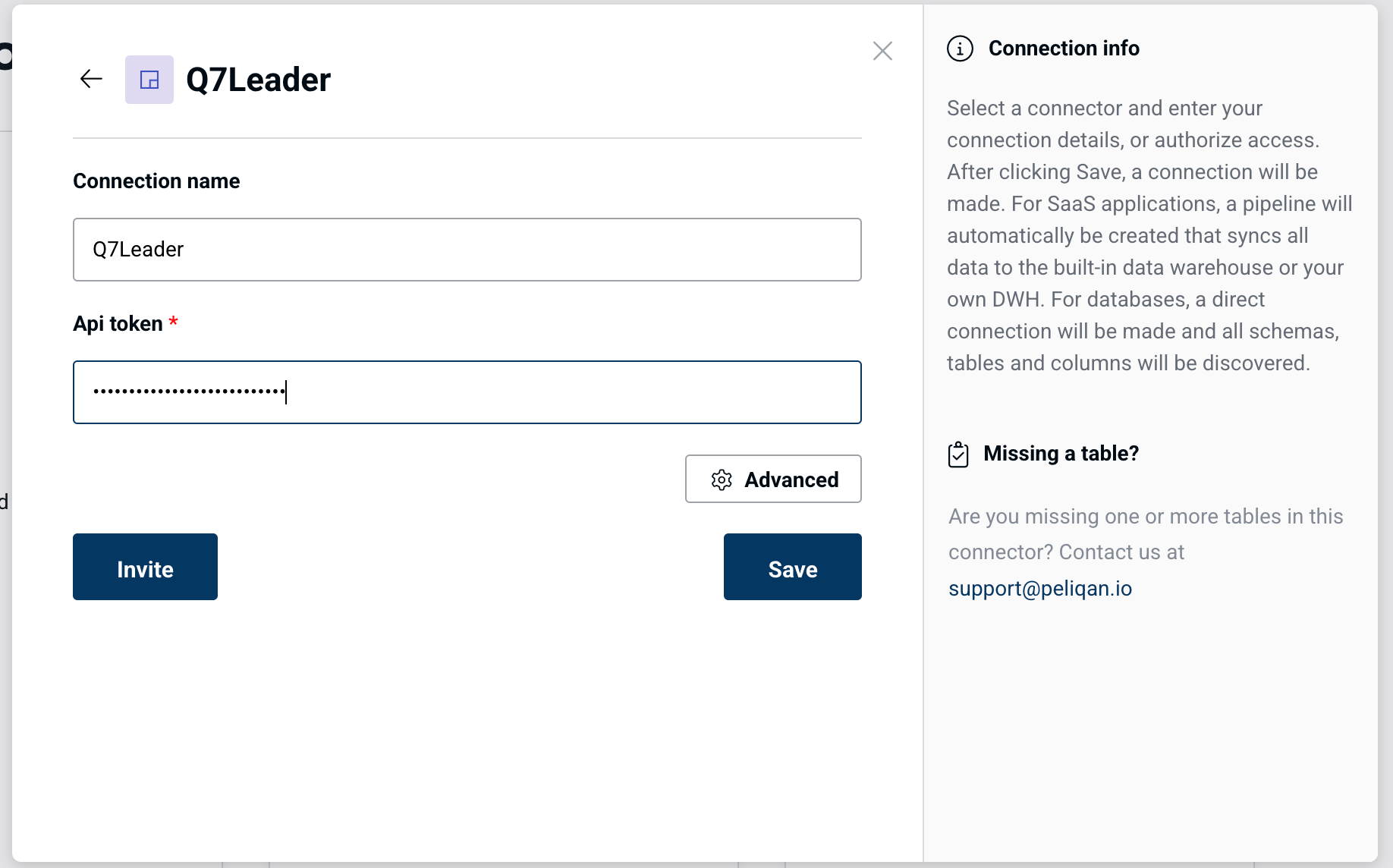
- API Token (see steps above to retrieve your API token)
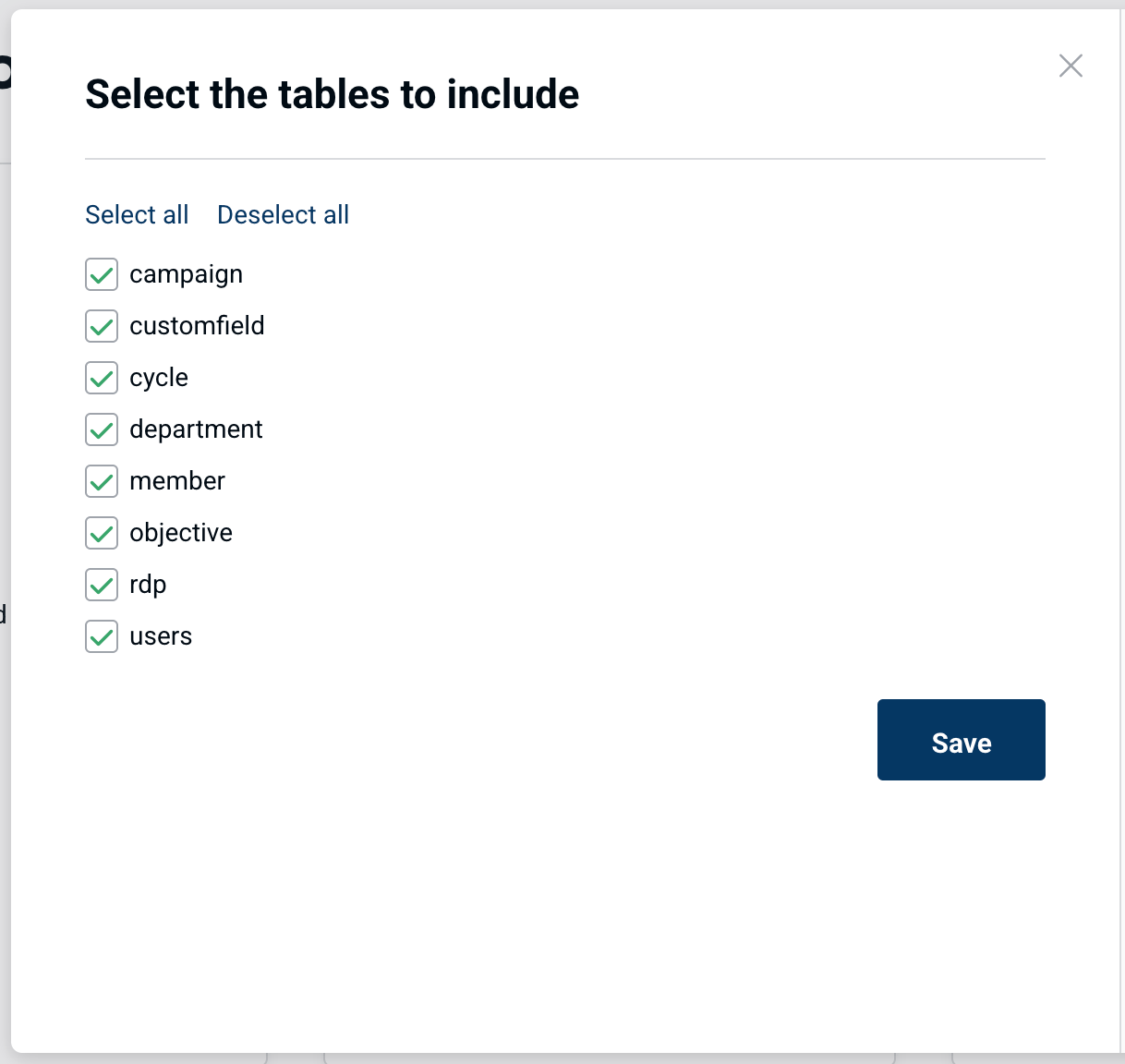
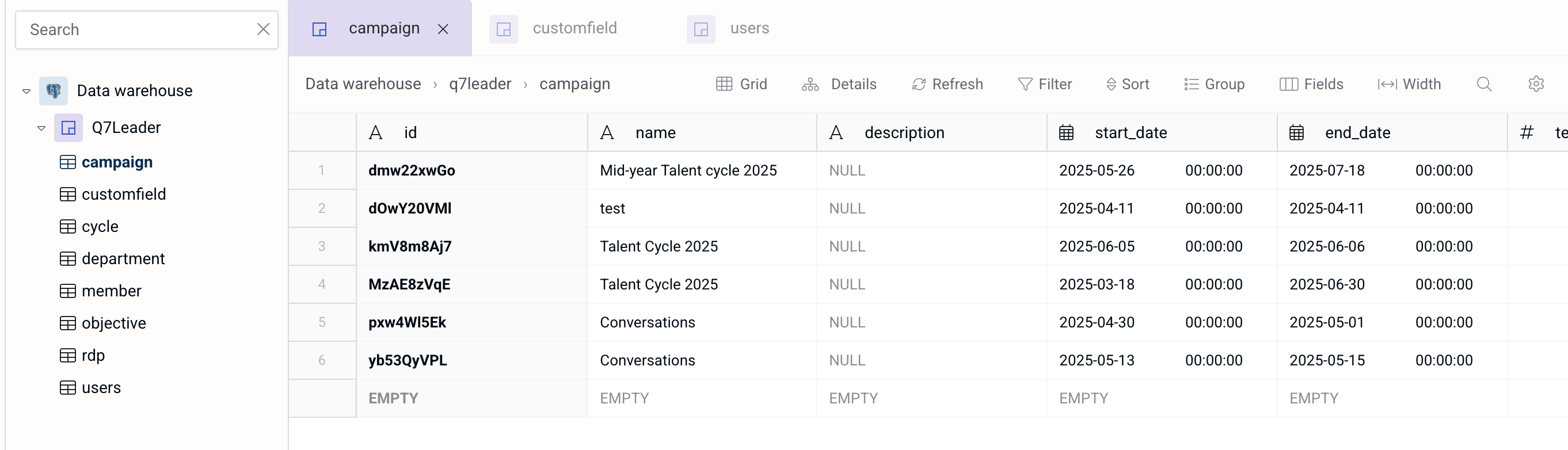
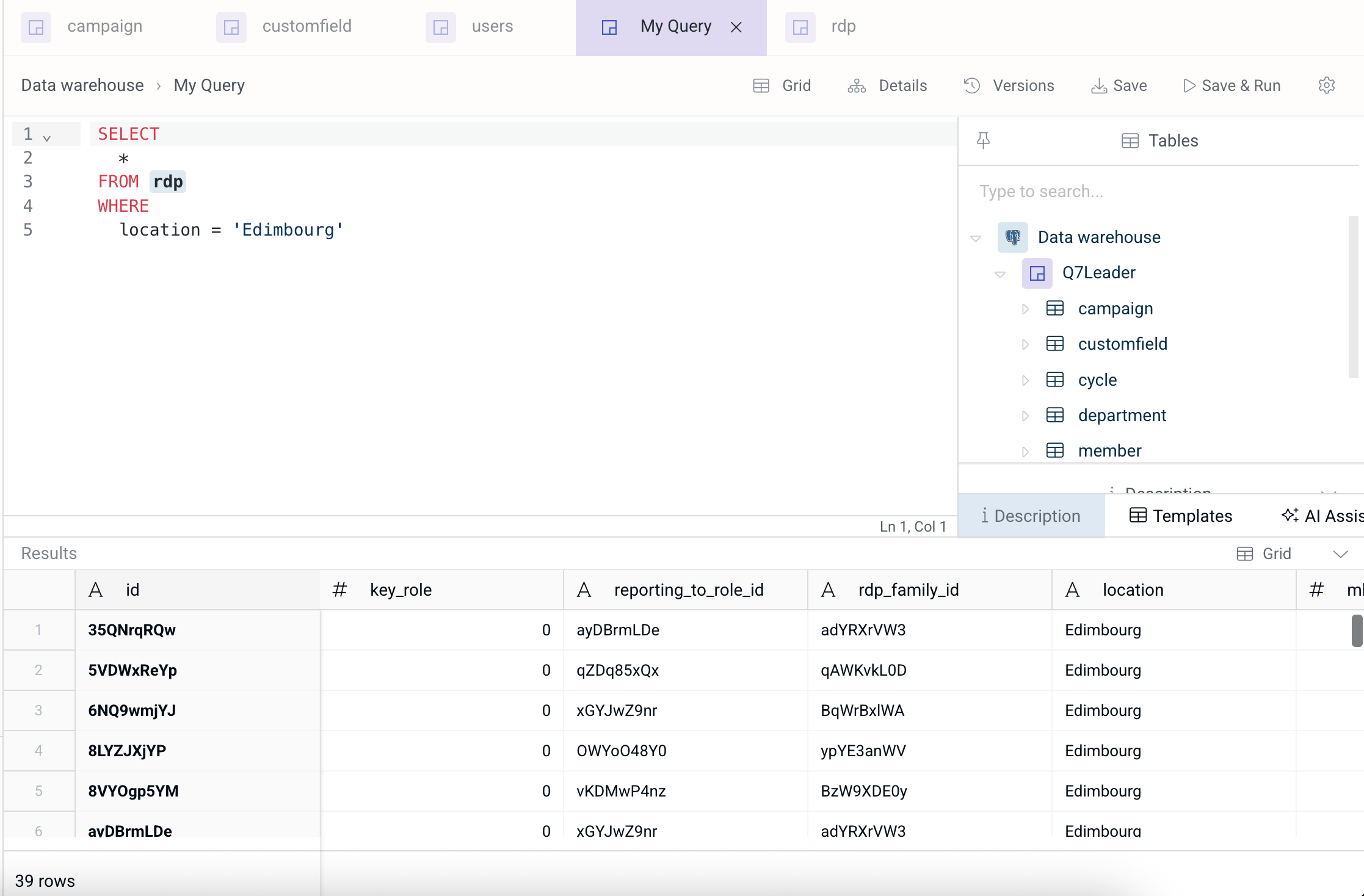
Q7Leader data sync to the Data Warehouse
Peliqan offers an out of the box data warehouse. Optionally you can choose to sync data to your own data warehouse such as Snowflake, Google BigQuery, MS SQL, etc. Data will be synced to the chosen data warehouse and made available through the Peliqan UI for exploration.