Weclapp Data Pipeline
Connect Weclapp
Connect Weclapp through the Peliqan Connectivity module: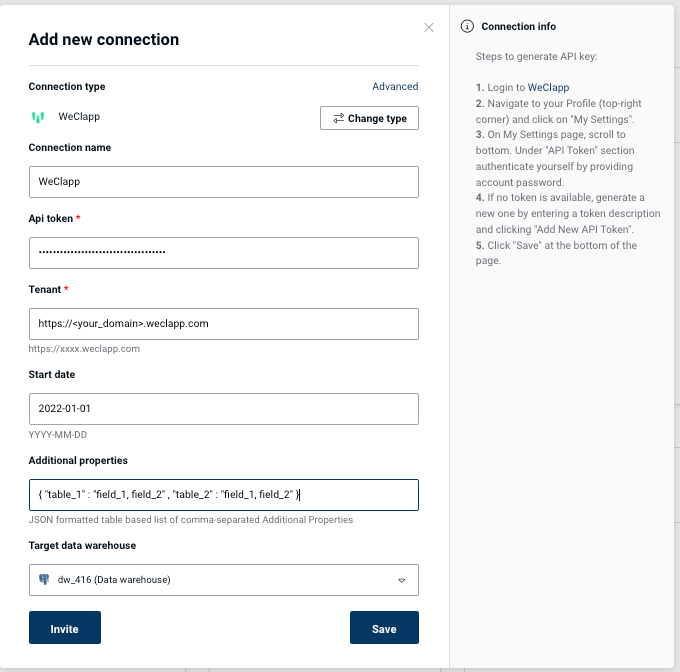
Connection fields
- API Token: Login to Weclapp, click on your Profile in the top right corner, click “My Settings”, scroll down to the bottom, authenticate yourself in the “API token” section, Add a new API token and copy/paste it in Peliqan.
- Tenant: see your WeClapp instance URL. Enter a full URL in the format
https://<your_company>.weclapp.com - Start Date (optional): date in format
YYYY-MM-DDto start data sync from. By default it is 2010-01-01 - Additional Properties (optional): additional properties to sync, e.g. calculated fields. Needs to be provided as a JSON object, where each key represents a table name, and the corresponding value is a comma-separated list of fields to be retrieved for the table. Click on Advanced to see list of available tables, to make sure you use the correct table name. Example for tables article and incomingGoods:
{ "article": "totalStockQuantity,currentSalesPrice", "incomingGoods": "discountPercentage,totalGoodsQuantity" }
WeClapp data sync to a data warehouse
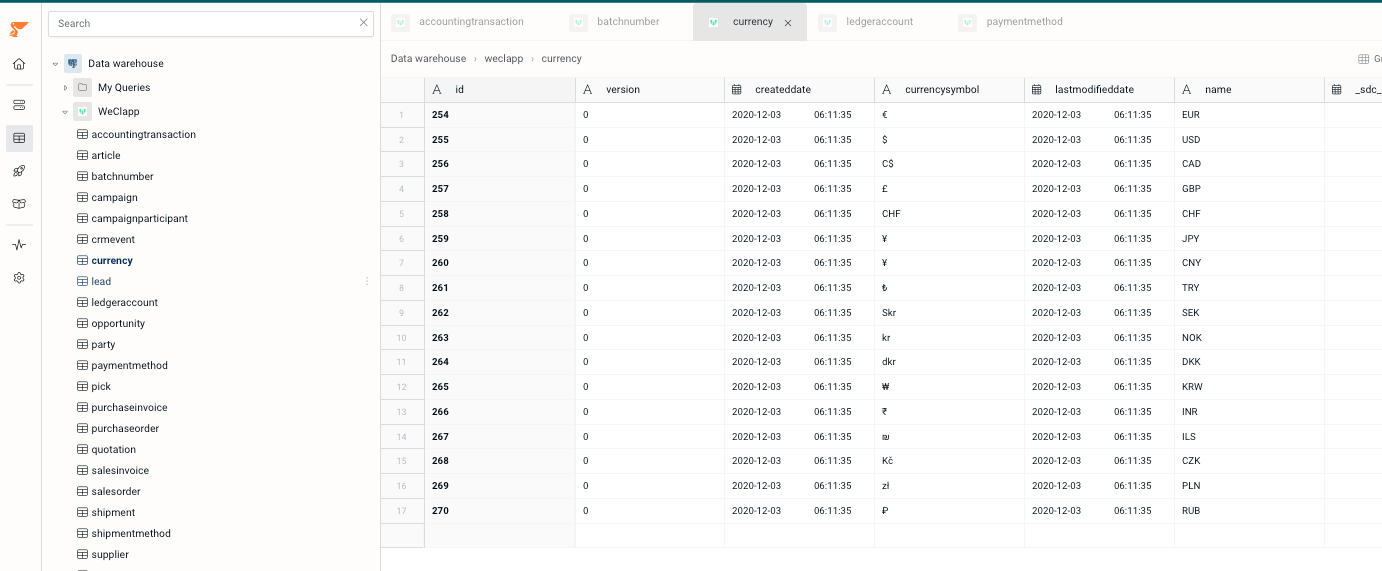
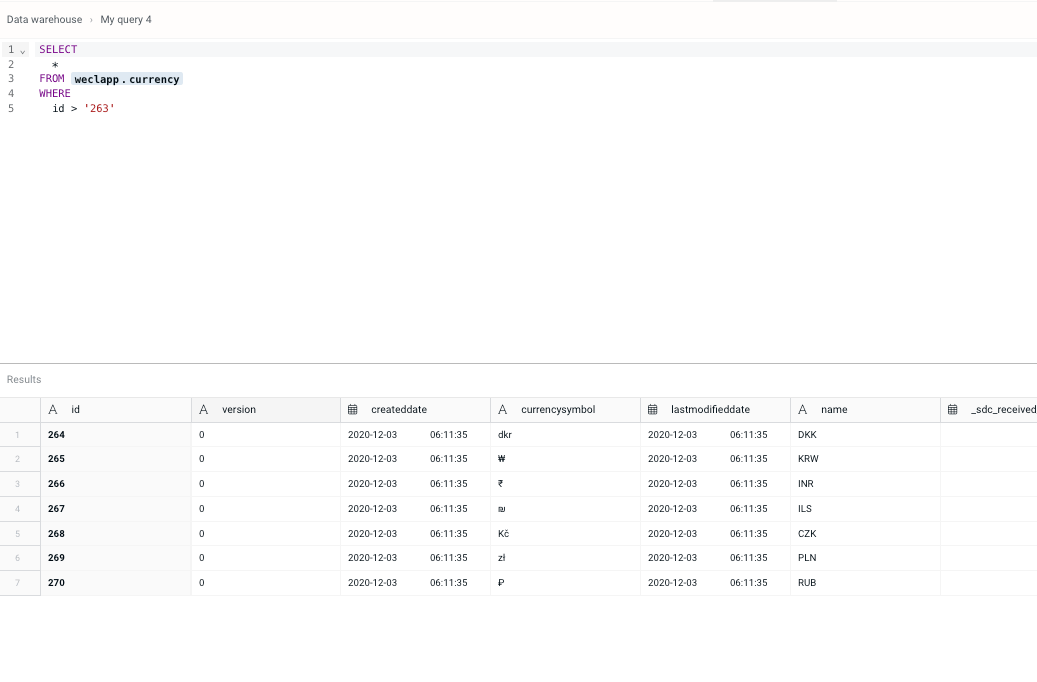
Peliqan offers an out of the box data warehouse. Optionally you can choose to sync WeClapp data to your own data warehouse such as Snowflake, Google BigQuery, MS SQL etc. Data will be synced to the chosen data warehouse and made available through the Peliqan UI for exploration: