
×
‹
›
Logo
  • Go to Home
Book a demo

Search

Basics

Advanced

For developers

Connectors

Contact support

Helpdesk portal

Peliqan documentation
MySQL - Getting started in Peliqan

MySQL - Getting started in Peliqan

This article describes how to connect a MySQL database to Peliqan. This is referred to as an “external DB connection” in Peliqan, a direct DB connection is made to query data, without duplicating the data to the Peliqan data warehouse.

☝

The minimum supported version for MySQL is 8.x. Older versions cannot be connected to Peliqan ! Run "SELECT VERSION();" in your DB to check your version.

Connect MySQL

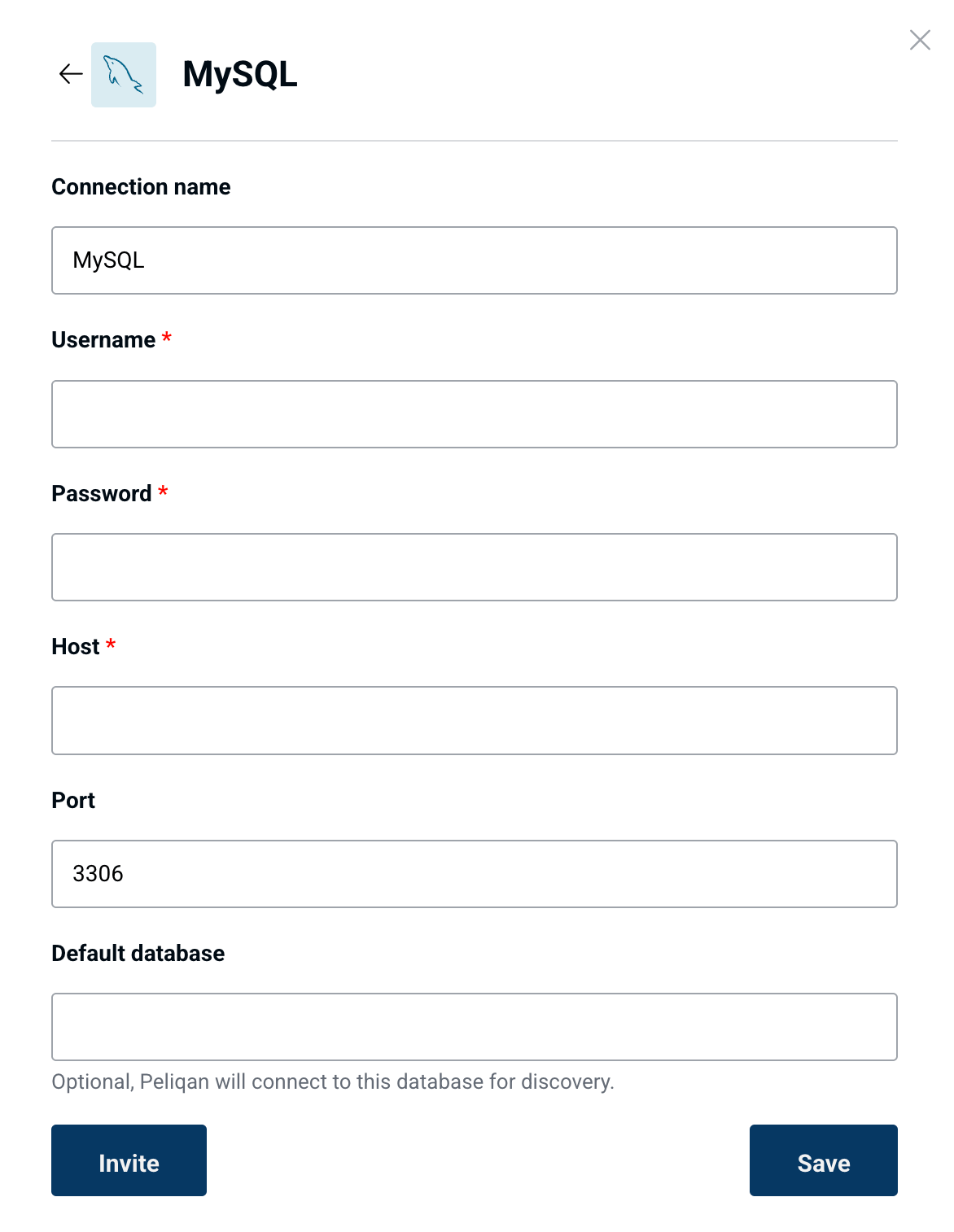
In Peliqan, go to Connections > Add Connection > Select MySQL in the list > Enter the details of your MySQL instance:
image

Permissions in MySQL

Make sure to configure following permissions in MySQL, so that Peliqan can connect remotely:

Create user

Use wildcard % for the hostname in the user, so that the user can connect remotely (from Peliqan) to your MySQL database:

CREATE USER 'newuser'@'%' IDENTIFIED BY 'StrongPassword123!';

If the user is created using e.g. CREATE USER 'newuser'@'localhost', Peliqan will not be able to connect.

Grant permissions

Use the wildcard % for the hostname, also when granting permissions:

GRANT ALL PRIVILEGES ON mydatabase.* TO 'newuser'@'%';

IP whitelisting

Make sure to add Peliqan’s IP addresses, as well as the AWS hostnames for each IP, in case that IP whitelisting is active on your database. More info:

IP whitelisting

Example to add IP whitelisting for the Peliqan EU instance, when creating a user:

CREATE USER 'newuser'@'3.74.207.151' IDENTIFIED BY 'StrongPassword123!';
CREATE USER 'newuser'@'52.28.10.115' IDENTIFIED BY 'StrongPassword123!';
CREATE USER 'newuser'@'52.28.176.5' IDENTIFIED BY 'StrongPassword123!';

CREATE USER 'newuser'@'ec2-3-74-207-151.eu-central-1.compute.amazonaws.com' IDENTIFIED BY 'StrongPassword123!';
CREATE USER 'newuser'@'ec2-52-28-10-115.eu-central-1.compute.amazonaws.com' IDENTIFIED BY 'StrongPassword123!';
CREATE USER 'newuser'@'ec2-52-28-176-5.eu-central-1.compute.amazonaws.com' IDENTIFIED BY 'StrongPassword123!';

GRANT ALL PRIVILEGES ON mydatabase.* TO 'newuser'@'3.74.207.151';
GRANT ALL PRIVILEGES ON mydatabase.* TO 'newuser'@'52.28.10.115';
GRANT ALL PRIVILEGES ON mydatabase.* TO 'newuser'@'52.28.176.5';

GRANT ALL PRIVILEGES ON mydatabase.* TO 'newuser'@'ec2-3-74-207-151.eu-central-1.compute.amazonaws.com';
GRANT ALL PRIVILEGES ON mydatabase.* TO 'newuser'@'ec2-52-28-10-115.eu-central-1.compute.amazonaws.com';
GRANT ALL PRIVILEGES ON mydatabase.* TO 'newuser'@'ec2-52-28-176-5.eu-central-1.compute.amazonaws.com';