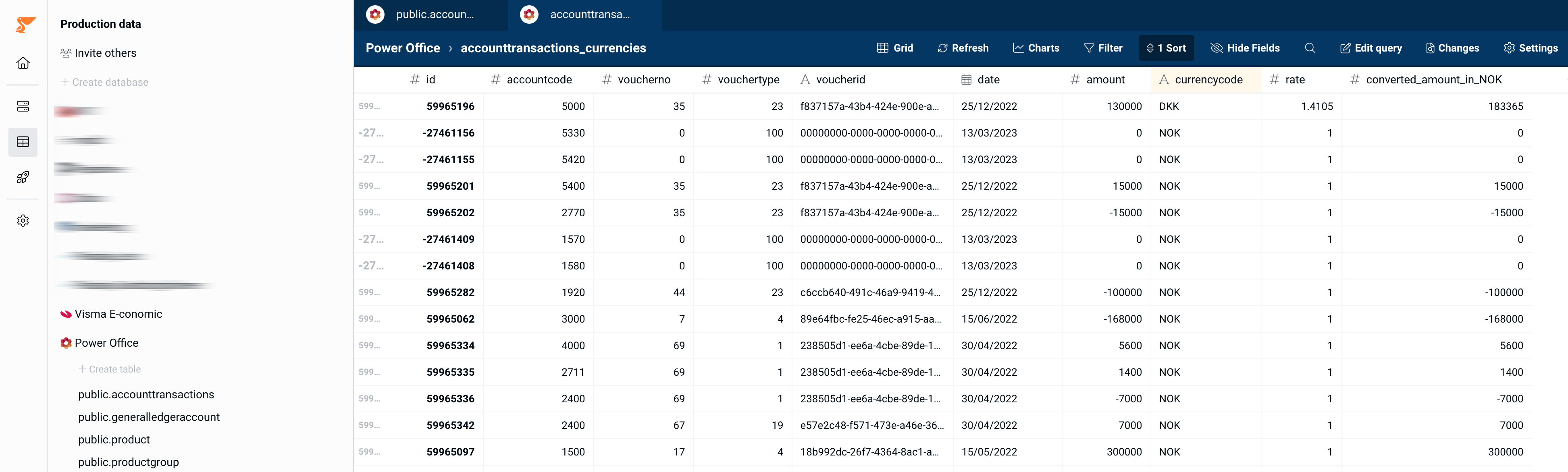
Step 1: import exchange rates
Go to Connections, and add a connection to one of the currency exchange rates connectors, for example Norway Bank (Norges bank). This will sync a table into your account with exchange rates: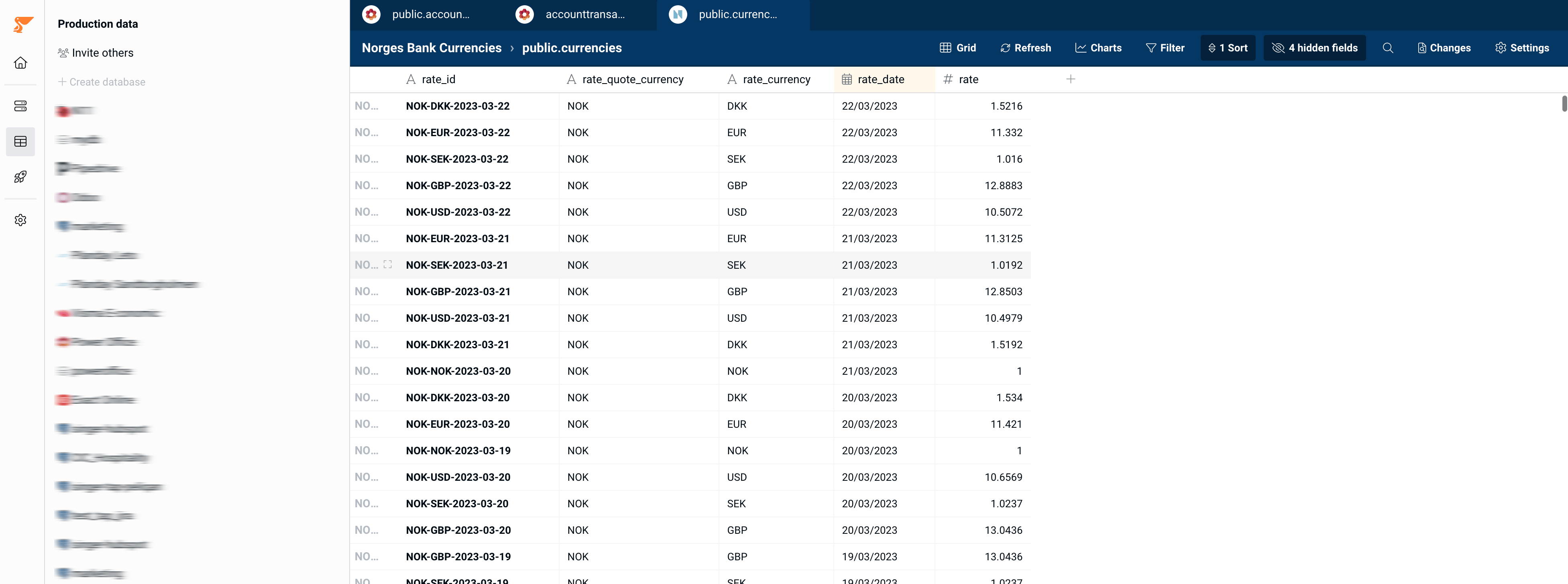
Step 2: join your transactions with the exchange rates
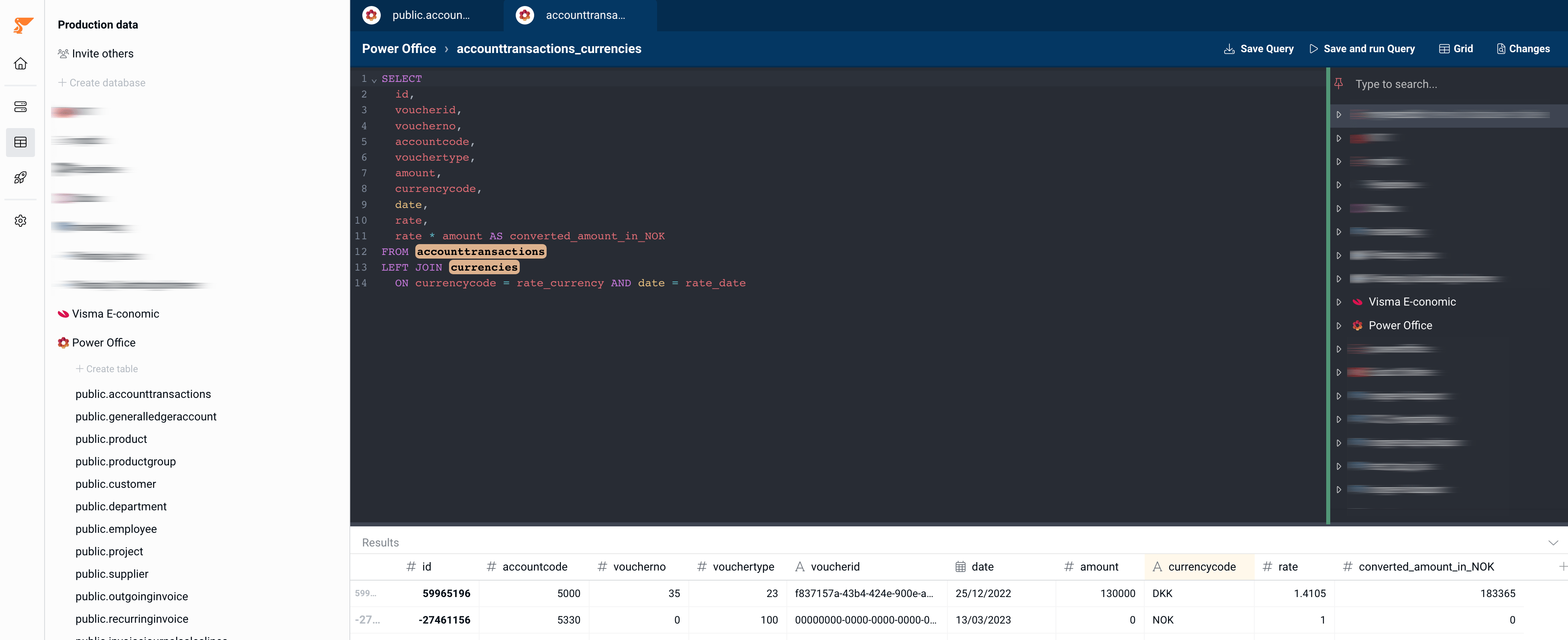
Write a query that joins your transactions on the currency exchange rates.- Make sure to perform a LEFT join and not an INNER JOIN, to make sure that no transactions would be left out because of a missing matching record in the currency exchange table.
- Make sure to join on both the currency and the date of the transaction.
- Add a column with the converted amount:
transaction amount x ratefrom the currencies table
Step 3: check the result
Double check if any converted amounts are missing: