
Advanced
Star schema
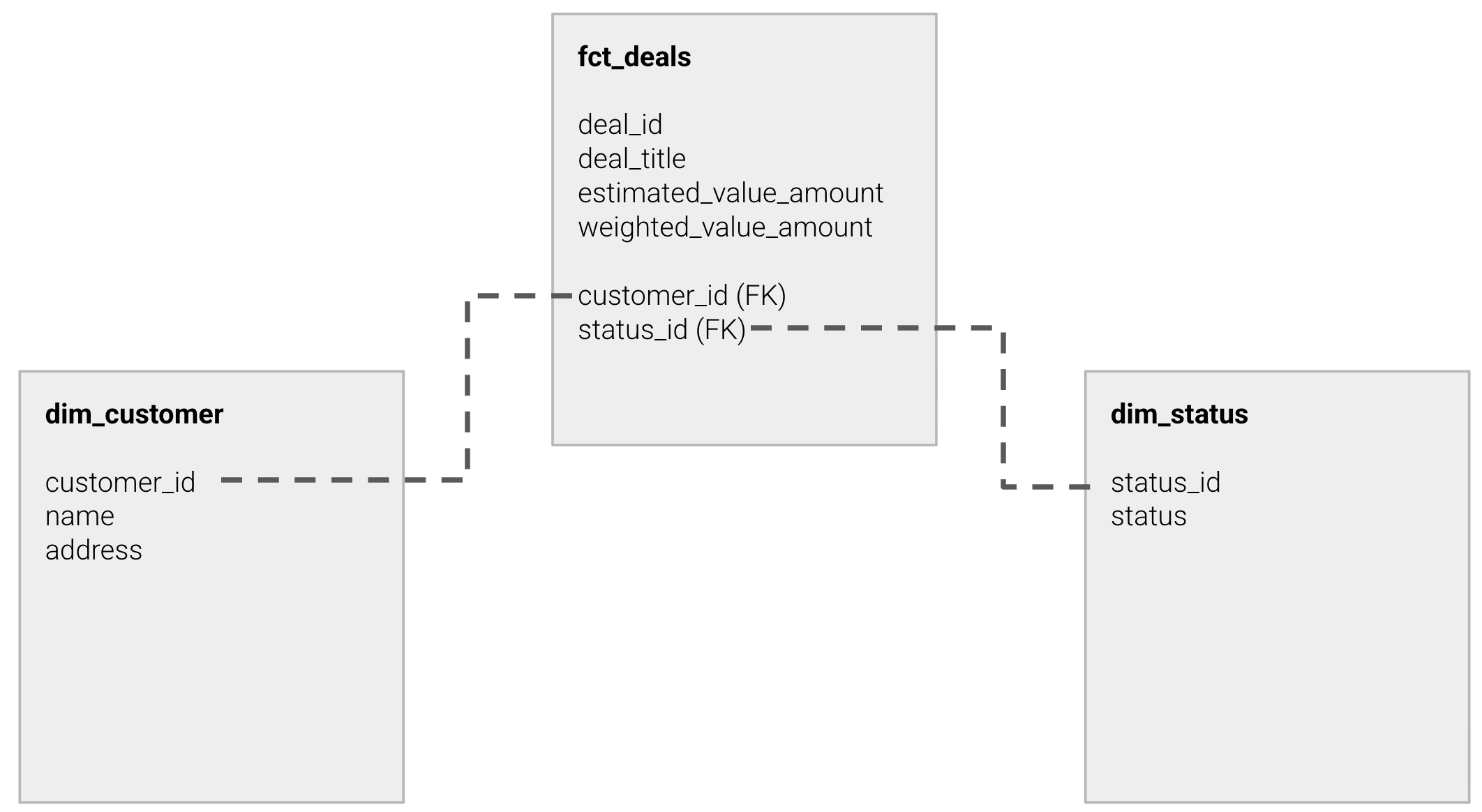
In Peliqan you can model your data as you like, for example by using the Star schema data model.
Below is a simple example where we build one fact table and a few dimension tables, based on tables from a CRM called “Teamleader”.
The below queries can be created as Views in the data warehouse, to make them visible by your BI tool. See Query Settings > Create as view.
Or you can “Materialize” these queries into a physical table in the data warehouse, using Query Settings > Replicate. More info: Materialize & Replicate